Welcome to Speech Learning Place

How I Use AAC Gameplay in Speech Therapy (Free AAC Tool I Use Weekly)
Learn how to use AAC Gameplay in speech therapy for core word groups, AAC modeling, turn-taking, and WH questions. This free AAC tool is a low-prep way to support students with complex communication needs in group and individual sessions.
SaraBeth Cuthbert
2/22/20262 min read
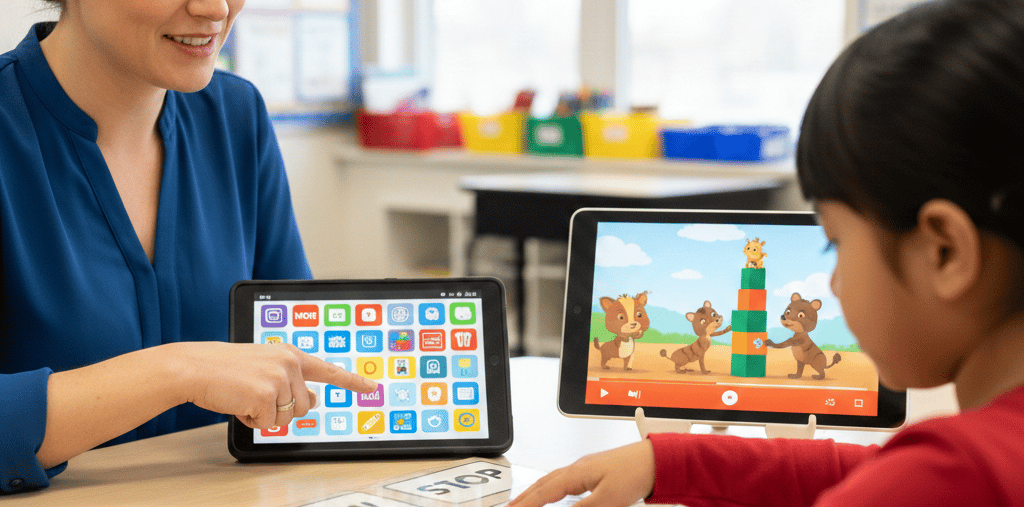
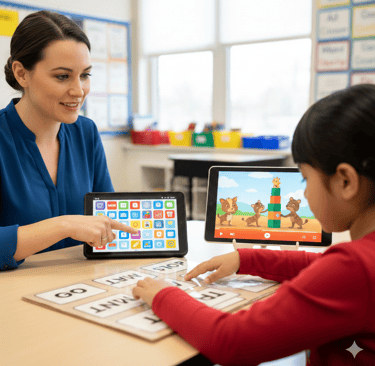
If you work with students with complex communication needs, you know it can be hard to find activities that are engaging, low prep, and easy to adapt.
One free tool I use weekly in speech therapy is AAC Gameplay. I use it in core word of the week groups and individual sessions to support AAC modeling, turn-taking, and language practice.
AAC Gameplay is a free AAC-friendly website with accessible gameplays and options for touch and switch access. It also lets you create your own gameplays using YouTube videos, which is one of my favorite features.
1) How I Use AAC Gameplay in Core Word Groups
I often pair AAC Gameplay with a YouTube video that includes our core word of the week.
⭐I either:
set timed pauses (like every 30 seconds), or
manually choose pause times to match where the word happens in the song
When the video pauses, it says the target word. This gives students repeated auditory input and a clear chance to practice the word.
I use this to build turn-taking in groups. Each student can practice the word in their own way:
verbally
with a voice output switch
by signing
with a core board
with an AAC device
If a student is not ready to produce the word yet, I model it. They still benefit from hearing and seeing the word used.
2) How I Use It in Individual Sessions
AAC Gameplay is also great for individual sessions, especially when motivation is a challenge.
✅Once I find a video or activity a student likes, I use pause points to create natural chances to communicate, such as:
more
go
stop
want
help
This makes it easy to work on communication during a fun activity instead of forcing drills.
✅I also use it for WH-questions by pausing and asking things like:
“Who jumped in the water?”
“Where is the duck?”
“What did you see?”
It is simple to adjust the support level based on the student.
3) How to Set Up a Video in AAC Gameplay (Fast)
You can search for already-made gameplays, but I usually make my own. It does not take long.
My quick setup
Find a YouTube video
Copy the URL
Create a gameplay in AAC Gameplay
Paste the URL
Pick a target word/message
Choose timed intervals or manual pause times
Publish
That’s it.
I like making my own because I can match the video to the core word and my students’ interests.
And bonus: it helps avoid random YouTube ads during therapy.
AAC Modeling Reminder
One of the biggest reasons I use AAC Gameplay is that it supports AAC modeling.
Not every student is ready to “say the word” on demand. That is okay.
Students still benefit from:
repeated exposure
auditory input
seeing communication modeled
participating in a group routine
The goal is not perfect output. The goal is meaningful communication and access.
Final Thoughts
AAC Gameplay is one of my favorite free speech therapy tools because it is:
engaging
low prep
flexible for different communication levels
easy to use for core words, turn-taking, and WH-questions
⭐If you work with AAC users or students with complex communication needs, this is a great tool to try in both group and individual sessions.⭐
Resource Link:
AAC Gameplay (formerly Tar Heel Gameplay) is a free AAC-friendly website that can be used for core word practice, turn-taking, and language activities in speech therapy.